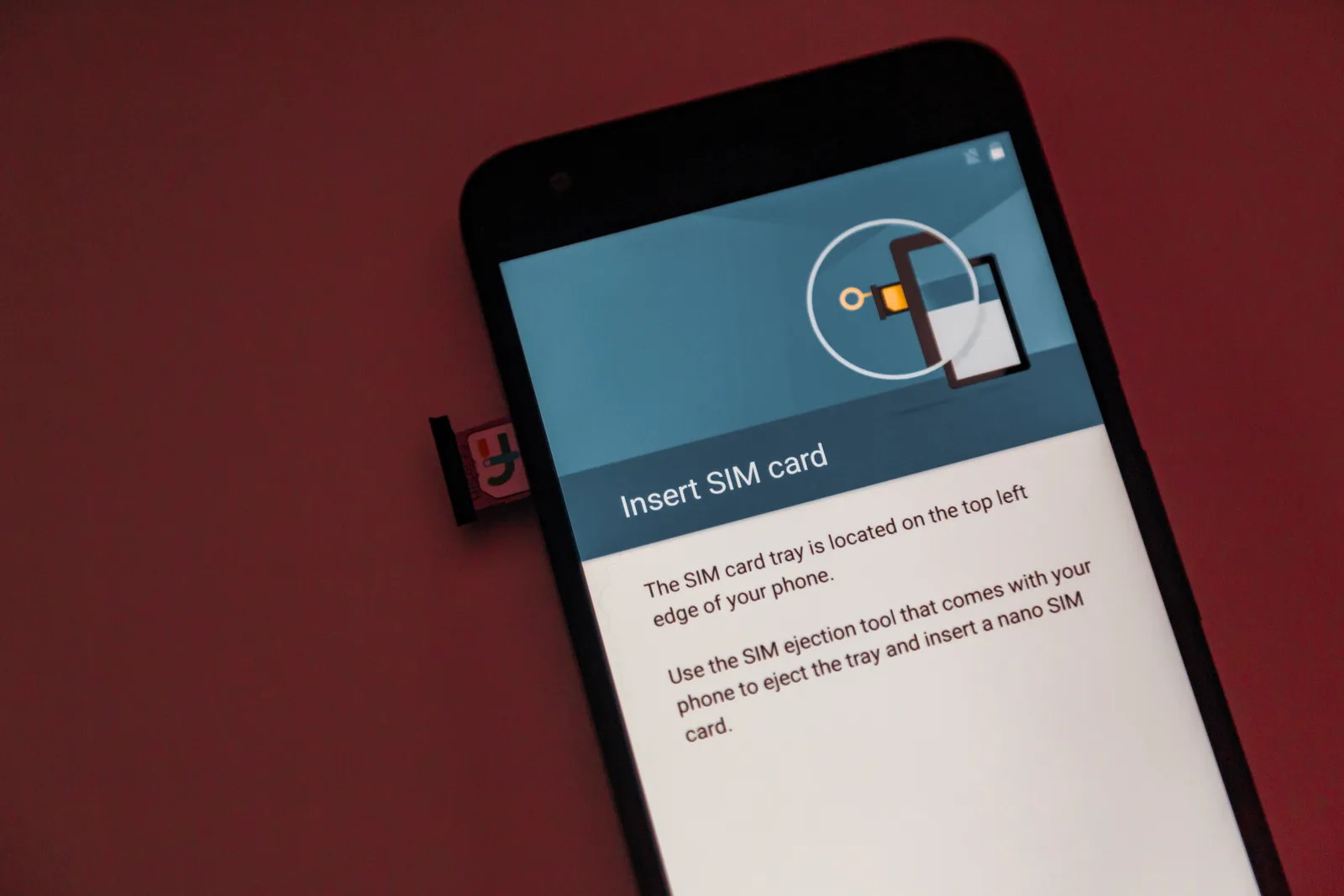
Search r/korea or r/KoreaTravel for an eSIM recommendation and you get a dozen confident, contradictory answers. The part those threads bury: no single eSIM is "best" for Korea, because nearly every travel eSIM resells the same three networks. The real decisions are data volume, whether the plan includes a Korean phone number, and whether tethering is allowed.
The short version
- Korea has exactly three mobile network operators: SK Telecom, KT, and LG U+. Every travel eSIM sold for Korea runs on one of them, so "which brand" matters far less than which network and which plan terms.
- A data-only eSIM gives you internet but no Korean number, which blocks identity verification (본인인증) on many domestic apps.
- Coverage inside Seoul, Busan, and along the KTX corridor is strong on all three networks. Differences show up in mountains, on islands, and in deep rural valleys.
- "Unlimited" almost always means unlimited at reduced speed after a fair-use threshold. Read the throttle clause and the tethering clause before the price.
- Install the eSIM at home on Wi-Fi, but do not delete anything until you have a working signal in Korea.
Why Reddit's Korea eSIM threads contradict each other
Most of the disagreement is not about quality. It is about missing variables. A post praising a provider rarely states which underlying network the profile attached to, what the poster's actual daily data use was, whether they tethered a laptop, or which handset they used. Two people can buy the same product, land on different networks depending on the profile issued, and come away with opposite verdicts.
The second problem is decay. eSIM plans get repriced, rebranded, and re-provisioned onto different host networks several times a year. A thread from two years ago describes a product that may no longer exist under the same terms. When reading those threads, weight them by three things:
- Post date. Anything older than roughly a year is background, not a recommendation.
- Stated usage. "Worked great" from a light user tells a heavy tetherer nothing.
- Whether the poster needed a Korean number. This single detail explains most of the "it was useless" complaints.
That is why this page gives criteria and arithmetic instead of a ranked brand list. A ranked list of resellers goes stale; the selection logic does not.
Every Korea eSIM runs on SK Telecom, KT, or LG U+
Korea has three facilities-based carriers. Everything else, including the domestic budget brands (알뜰폰, MVNOs) and the international eSIM marketplaces, is reselling capacity on those three radio networks. Korean networks are LTE and 5G; a handset that cannot do LTE with VoLTE is not a realistic option for a trip here.
Consumer eSIM service on Korean carriers launched on 1 September 2022, when the Ministry of Science and ICT (과학기술정보통신부) enabled eSIM for domestic handsets. That is why older forum posts insist eSIM "does not work in Korea" and why newer ones do not.
What this means in practice:
- In dense urban areas, the three networks are close enough that network choice is not a deciding factor. Subway tunnels, department store basements, and underground shopping arcades all carry service.
- Outside the cities, differences are real but not dramatic. If your itinerary includes hiking ridgelines, Ulleungdo, or remote parts of Jeollanam-do, ask the vendor which network the profile attaches to before buying rather than after.
- Speed complaints are more often a plan throttle or congestion than a coverage gap.
Data-only eSIM or a Korean phone number? The question that decides everything else
This is the fork that determines whether your trip goes smoothly, and it is the one Reddit answers least clearly.
A data-only eSIM sells without identity checks because it issues no Korean number. Korean law requires real-name verification for a mobile line with a number, which is why any SIM that gives you a Korean number needs your passport at the counter or during online sign-up.
Without a Korean number, these still work: Naver Map, Kakao Map, Papago, Google services, KakaoTalk (if your account was already registered abroad), web browsing, and card payments. These often do not: Kakao T for taxis, most food delivery apps, several restaurant reservation platforms, some ticketing flows, and any service that sends a Korean SMS verification code.
Choose data-only if your trip is short, city-based, and you plan to hail taxis on the street, eat in restaurants, and book attractions through international sites.
Choose a plan with a Korean number if you will be here more than about two weeks, want delivery apps and ride-hailing, are traveling for business, or need to be reachable by a Korean contact, hotel, or clinic.
A practical middle path: keep your home SIM active for SMS codes from your bank and airline, and run the Korean eSIM as the data line. Set your home line's data roaming to off in settings, or the bill will find you.
eSIM vs tourist SIM vs pocket Wi-Fi vs roaming
| Option | Korean number | Setup | Best for | Main limitation |
|---|---|---|---|---|
| Data-only travel eSIM | No | Install at home, activate on landing | Short city trips, one traveler, phones with eSIM support | No SMS verification for Korean services |
| Korean carrier eSIM or prepaid SIM with number | Yes | Passport verification, often at the airport counter | Stays over two weeks, delivery and ride-hailing, business trips | Requires ID check; slower to set up |
| Pocket Wi-Fi ("egg") | No | Pick up and return at the airport | Families or groups sharing one connection; phones without eSIM | Extra device to charge and return; a lost unit costs money |
| Home carrier roaming pass | Keeps your own number | Enable before departure | Travelers who must keep one number reachable everywhere | Highest cost per GB in most cases; speed caps common |
| Physical local SIM swap | Yes | Swap trays, store the home SIM | Long stays on a cheap domestic plan | Easy to lose the home SIM; your home number goes dark |
Telecom counters operate in the arrivals areas of both terminals at Incheon International Airport, and the Korea Tourism Organization's VisitKorea site maintains general guidance on visitor connectivity options. Verify counter hours against your landing time; a 2 a.m. arrival is exactly when pre-installing an eSIM pays off.
How much data a week in Korea actually takes
Buy by measurement, not by vibe. Before you shop, open your phone's cellular data screen and look at a normal month. That number, divided by 30, is a better predictor than any forum estimate.
As planning ranges, not carrier-published figures:
| Usage profile | What it looks like on a Korea trip | Rough daily data | 7-day total |
|---|---|---|---|
| Light | Naver Map navigation, KakaoTalk, photo uploads at night on hotel Wi-Fi | 0.3–0.7 GB | 2–5 GB |
| Moderate | The above plus social feeds with autoplay video, music streaming, occasional video calls | 1–2 GB | 7–14 GB |
| Heavy or tethering | The above plus video streaming, a tethered laptop, continuous cloud photo backup | 3–6 GB | 20–40 GB |
Worked example. An eight-day trip at a moderate 1.5 GB per day comes to 12 GB. A 10 GB plan runs dry around day seven, in the middle of the trip, which is the single most common complaint in these threads. Buying 15 to 20 GB costs a little more and removes the failure.
When unlimited pays. Use round numbers to see the logic. If a 20 GB plan is ₩20,000 and the unlimited version is ₩36,000, the ratio is 1.8. Unlimited only wins if you would have used more than 20 × 1.8 = 36 GB over the same period, which is about 3.6 GB per day on a ten-day trip. Most sightseeing travelers never reach that. Run this ratio with the actual prices in front of you; it takes ten seconds and settles the argument.
One caveat: unlimited plans are marketed against a fair-use ceiling, after which speeds drop sharply. If the throttled speed is low, the plan is effectively capped anyway.
Buying and installing a Korea eSIM: the order that avoids trouble

- Confirm the handset supports eSIM and is carrier-unlocked. iPhones from the 2018 generation onward support eSIM, except models sold in mainland China; Android support varies by model and regional variant. Check the manufacturer's own compatibility page, and call your home carrier about the lock status rather than assuming.
- Decide number vs data-only using the fork above. Reversing this decision mid-trip is annoying and sometimes impossible.
- Check the activation trigger before paying. Some plans start counting validity at purchase, others at first attachment to a Korean network. If it counts from purchase, buy close to departure.
- Read the tethering clause. Several unlimited-branded plans block or restrict hotspot use. If you travel with a laptop or a partner sharing your connection, this clause matters more than the price.
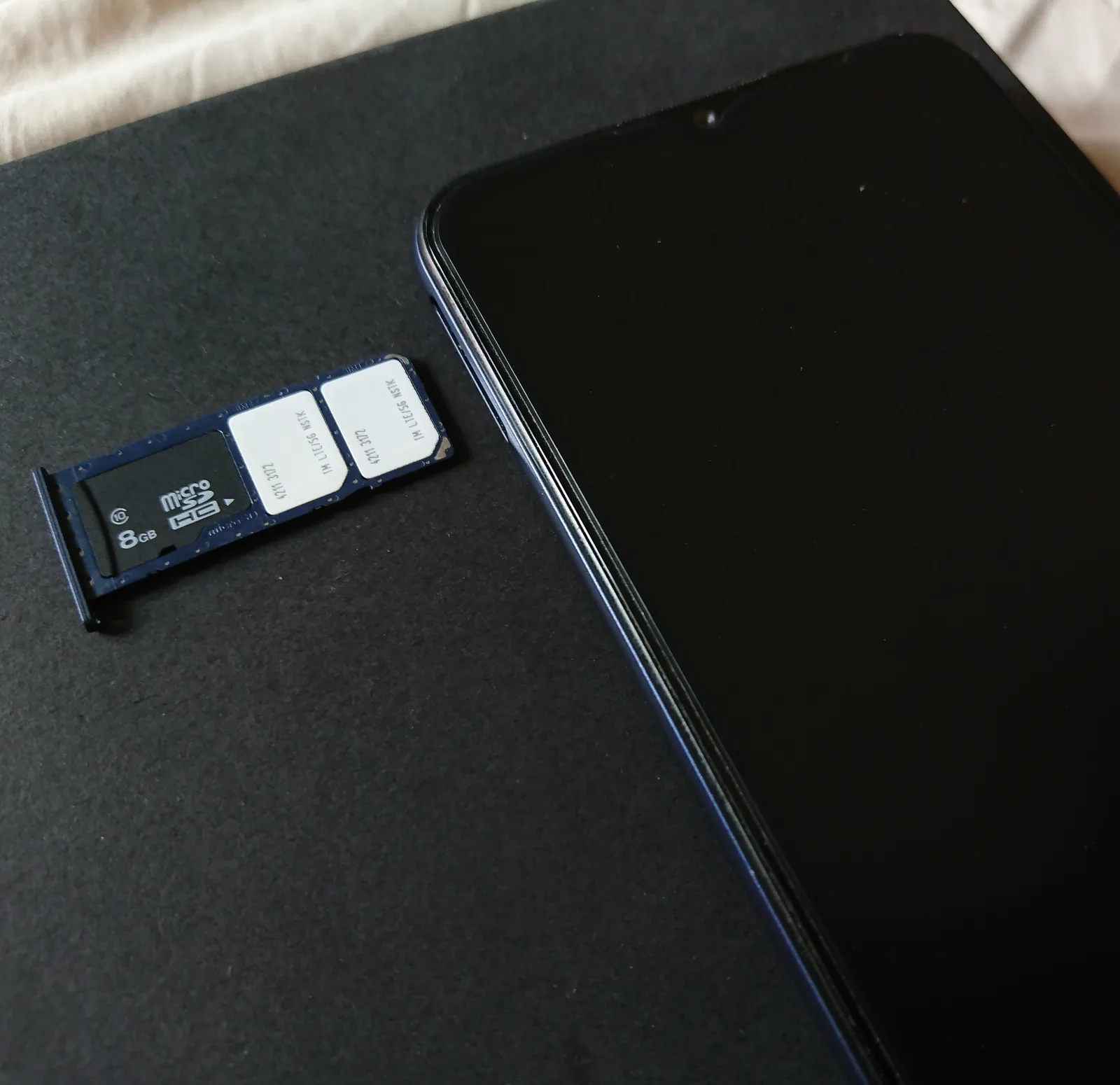
- Install on Wi-Fi before you fly. Installing means loading the profile, not activating service. Save the QR code or activation string to a second device or print it, because a phone cannot scan a QR code displayed on its own screen.
- On landing, enable the line and turn data roaming on for that line only. Travel eSIMs commonly register as roaming partners, so the toggle must be on for the Korean profile and off for your home profile.
- Set the default data line and, if you kept your home number, set messaging and calls to the home line.
- Test before leaving the arrivals hall. Airport Wi-Fi is free at Incheon, so troubleshooting there costs nothing. Load a map, not just a cached page.
If you are also sorting out intercity travel, the arithmetic in our Korea Rail Pass break-even guide uses the same buy-by-measurement approach for KTX fares.
The failure modes that fill Reddit threads
- Carrier-locked handset. The profile installs, then refuses to attach. Nothing about the eSIM is wrong. Check the lock before purchase.
- Deleting the eSIM to "reinstall" it. Most activation codes are single-use. Deleting a working or half-working profile can destroy it permanently. Contact support first.
- Data roaming left off. The line shows connected, no data flows. This is the single most frequent "my eSIM is broken" post.
- Home line bleeding data. Dual SIM with both lines allowed to use data produces roaming charges nobody budgeted for.
- No Korean number when it suddenly matters. Booking a same-day intercity seat, ordering delivery on a rainy night, or verifying an account all stall without SMS.
- Underbuying data. See the arithmetic above. The marginal cost of the next tier is small; the cost of being offline in an unfamiliar city is not.
- Assuming public Wi-Fi covers the gap. Free public Wi-Fi is widespread in Korean cafés, subway stations, and public buildings, and it is genuinely useful, but it will not carry you through live navigation between neighborhoods.
- Changing phones mid-trip. eSIM profiles do not transfer freely between devices. If your phone dies, the profile may be gone with it.
Frequently asked questions
Is a data-only eSIM enough for a week in Seoul?
For most sightseeing trips, yes. Maps, translation, messaging, and payments all work on data alone. The gaps appear with ride-hailing apps, food delivery, and any service that demands a Korean SMS verification code, so a data-only plan suits travelers who take street taxis and eat in restaurants.
Can I use a Korea eSIM as a hotspot for a laptop or a second traveler?
Sometimes. Capped data plans commonly permit tethering; several unlimited-branded plans restrict or block it. The permission is stated in the plan terms rather than the marketing copy, so check it before buying. If two people will share one connection, a pocket Wi-Fi unit is often the simpler answer.
Will my phone work on Korean networks?
It needs eSIM hardware support, an unlocked status, and LTE with VoLTE. iPhones from 2018 onward support eSIM other than mainland China models, and Android support depends on model and regional variant. Verify against the manufacturer's compatibility list rather than a forum post about a similar phone.
Should I install the eSIM before I fly or after I land?
Install the profile at home on Wi-Fi and activate it after landing. Installation needs an internet connection you may not have on arrival, especially at night. Check first whether the plan's validity counts from purchase or from first network attachment, because that determines how early to buy.
What do I do if the eSIM will not connect after landing?
Work through this order: confirm data roaming is on for the Korean line, confirm it is set as the default data line, toggle airplane mode, then restart the phone. If that fails, manually select the network operator in settings. Do not delete the profile; contact the vendor from airport Wi-Fi instead.
Prices, plan sizes, throttle thresholds, and host networks change frequently, and individual results depend on your handset and itinerary. Confirm current terms with the vendor before purchase, and verify device compatibility with your manufacturer and home carrier. If you are still fixing the shape of the trip, our season-by-season guide to visiting Korea covers the timing decisions that come before the connectivity ones.